
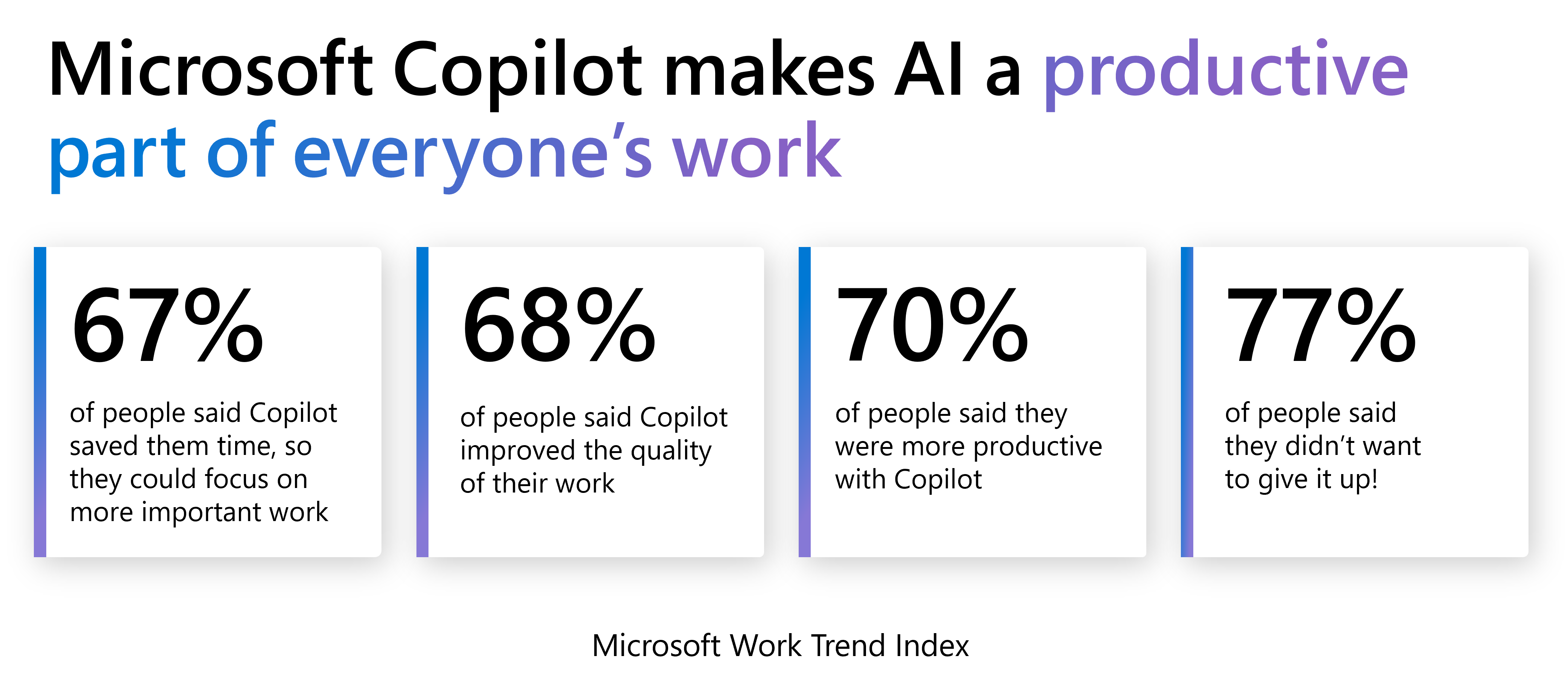
This means you improve productivity, unlock creativity, and eliminate repetitive tasks, all while minimising application switching and any cut-and-pasting.
Improve productivity: Simplify order taking, get to data-driven insights faster, and reclaim time for important work.
Unlock creativity: Bring products to market quicker and drive sales, with compelling, AI-generated product descriptions.
Eliminate repetitive tasks: Streamline month-end, keep on top of payables, and improve the accuracy of your financial records.
For example:
Chat with Copilot within Business Central: Copilot acts as a virtual assistant, helping you track down the right information at the right time. Finds business data for your company in Business Central. Gives explanations or step-by-step guidance on various tasks. Helps you understand the purpose and typical use of individual fields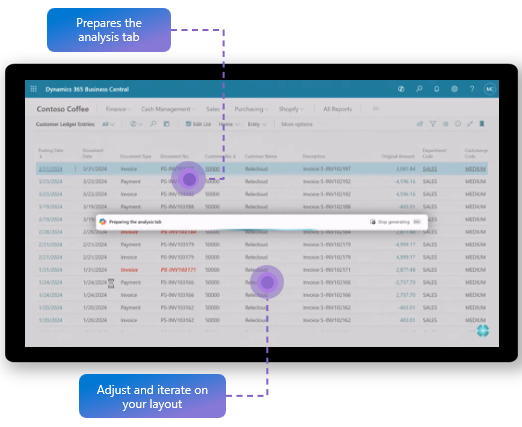
Bank reconciliation with Copilot: Copilot is your AI-powered bookkeeping assistant that helps you turn a tedious monthly chore into a quick review. Finds matches with your ledger entries, even when multiple charges are consolidated into a single entry. Suggests matching ledger accounts to post new transactions to.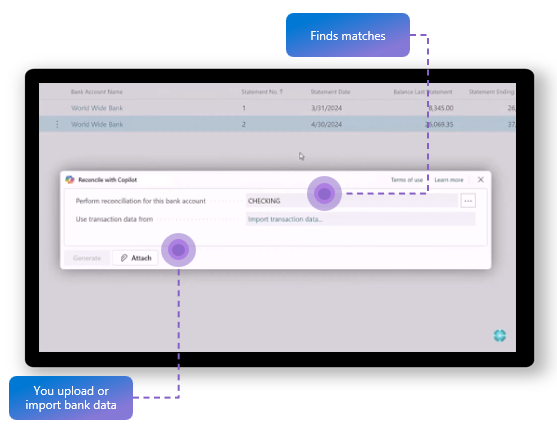
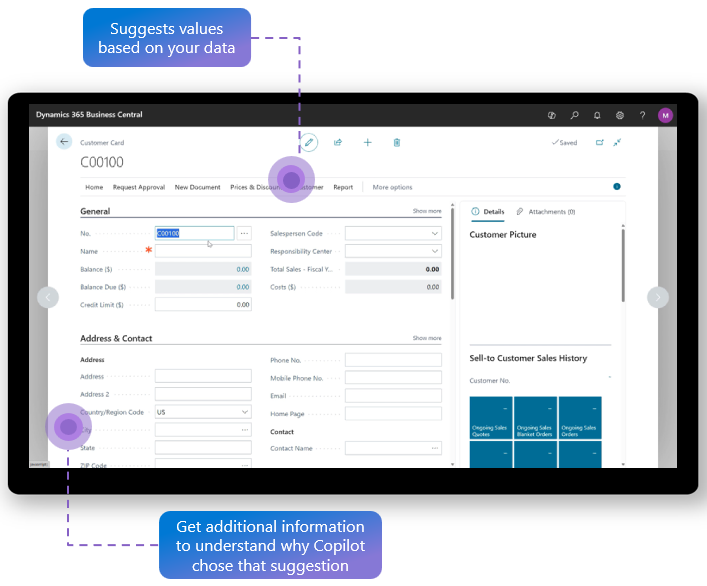
Autofill fields with Copilot (Smarter data entry): Reduce tedious data entry and improve input quality with AI-powered suggestions when filling out records. Copilot suggests values based on your business data, tailored to the context of the page you're working on. You can review, accept, discard, or replace each suggestion individually—or apply or discard them in bulk—giving you full control over your data.
Take automation further with Agents
Built for Business Central and extendable across all your business processes!
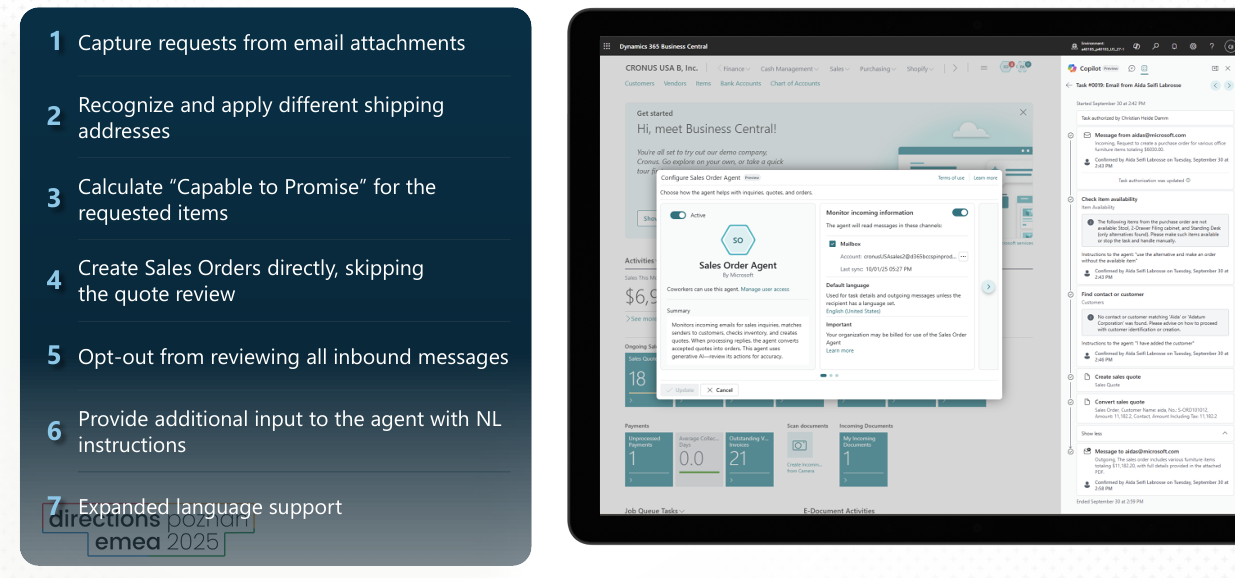
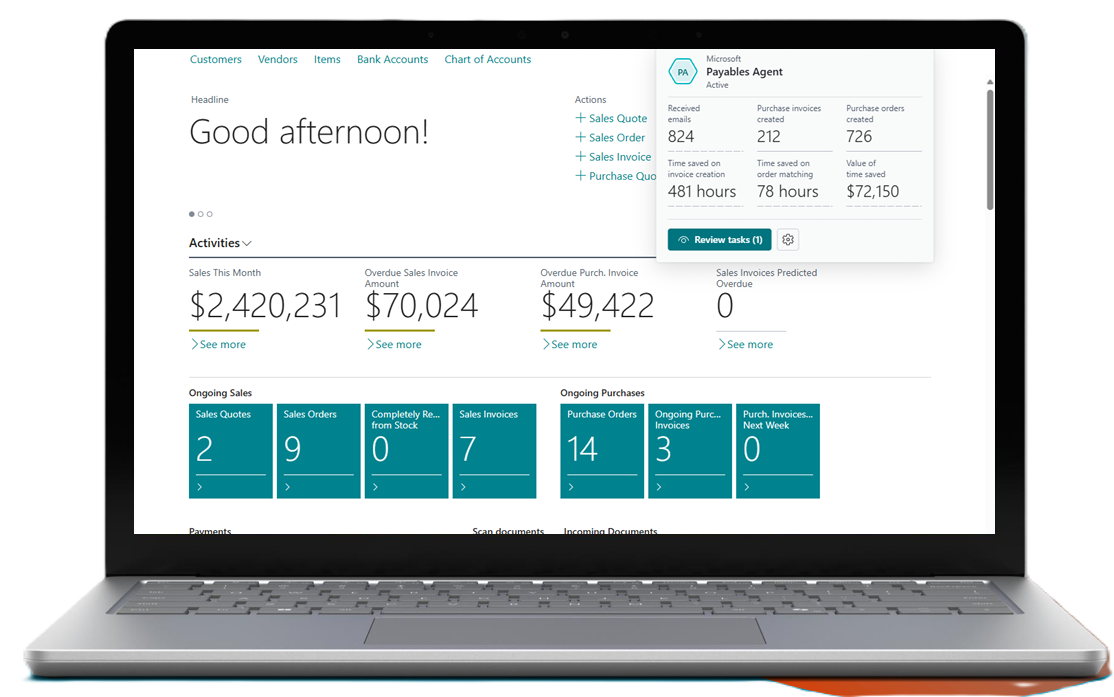
Microsoft’s AI muscle does not end there. They’ve been hard at work building Agents that autonomously complete tasks like fulfilling inbound sales orders and automating vendor invoices. These tools are easy to activate and offer you the ability to choose your level of oversight. More than anything, it’s a productivity booster that allows individuals the freedom to focus less on systems and more on delivering business value.
Sales Order Agent
Payables Agent: Paperless AP!
Extend Agents into your other processes
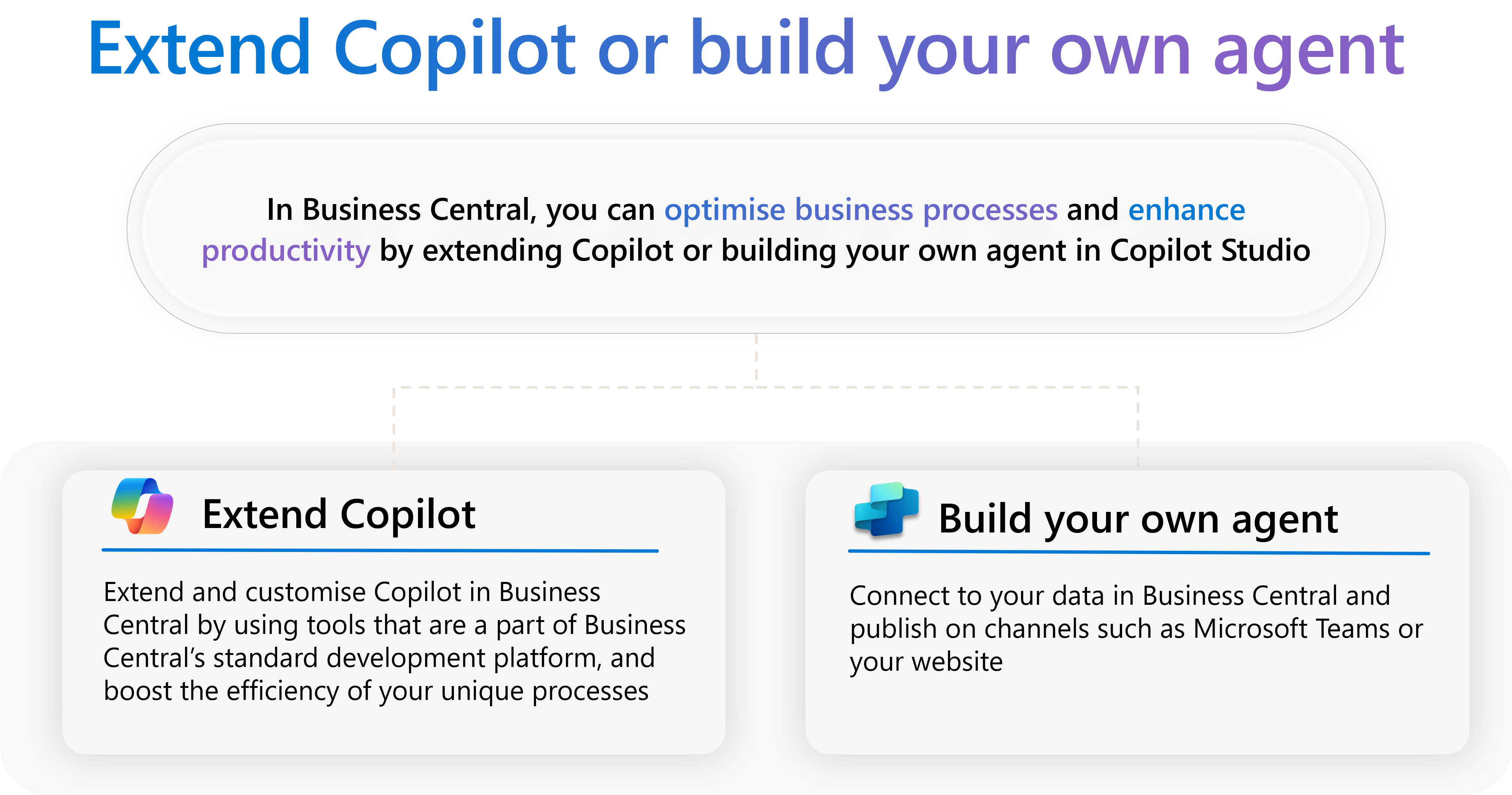
And you’re not limited by what Microsoft is creating. With Agent Builder, Copilot Studio, and Azure AI, anyone can start to build agents, regardless of skill level. This means that the individuals who are actually doing the work can be empowered to create autonomous workflows to make their jobs easier.